Back-office AI: requests
Every request logged. Every complaint answered.
Web forms, emails, voicemails, complaints and techs’ notes become tickets, with what the next step needs and a reply drafted. Nothing goes out without your OK.
What it does
Every request and complaint logged in your CRM, with the next step drafted.
Logged where it lands
Each request becomes a ticket in your CRM. Nothing typed twice.
With what comes next
The photos, the home or the plan, and the history, on the ticket.
Complaints handled
Checked against your guarantee, the fix offered, and a reply drafted for your OK.
In your industry
The same job, shaped around your work.
Requests and complaints in 6 industries. Pick yours.
Pool service
Repair requests. A customer texts or emails about a problem, or a tech spots one. It’s logged as a ticket, with a reply drafted saying what happens next. More on pool service
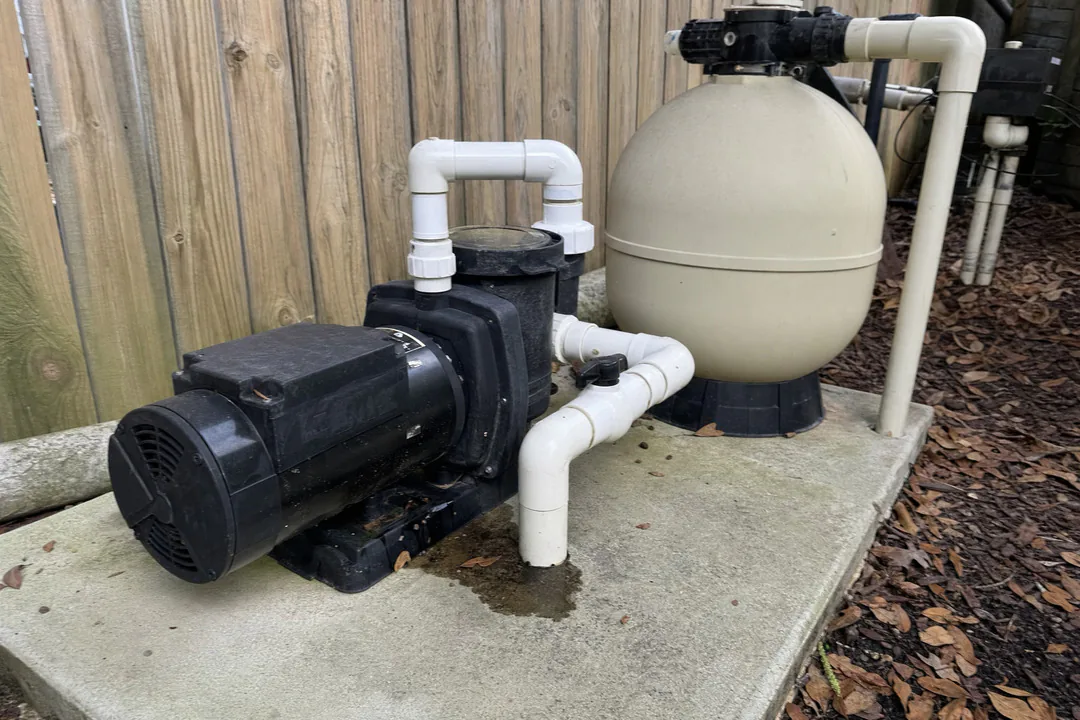
New request
Karen W. · Pump is leaking
By text, with 2 photos
- TicketLogged
- Reply to KarenDrafted
Swim schools
Trial requests. A family asks about lessons. It’s logged with the swimmer’s age and level, and a trial is offered in a class with room. More on swim schools
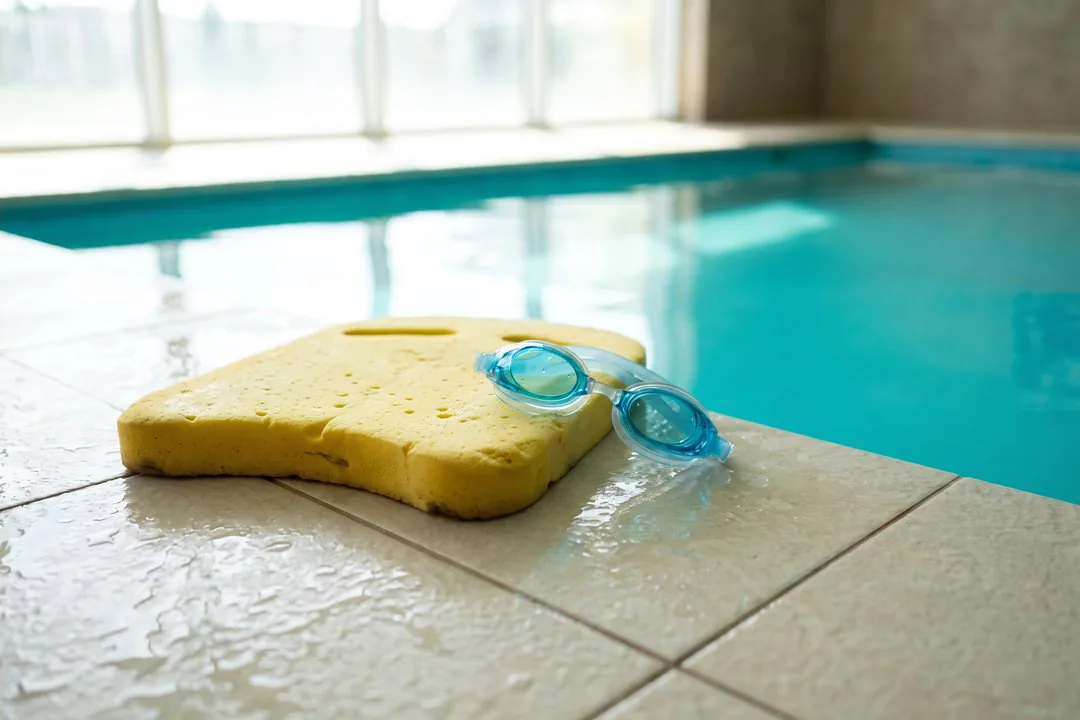
New request
Raj P. · Lessons for his son
By web form, 9:14 PM
- SwimmerAge 6, new to lessons
- TrialSaturday, 9:00 AM
Cleaning
Re-cleans. Something was missed. It’s logged with the customer’s photo, a re-clean is offered inside your 24-hour guarantee, and it isn’t billed. More on cleaning
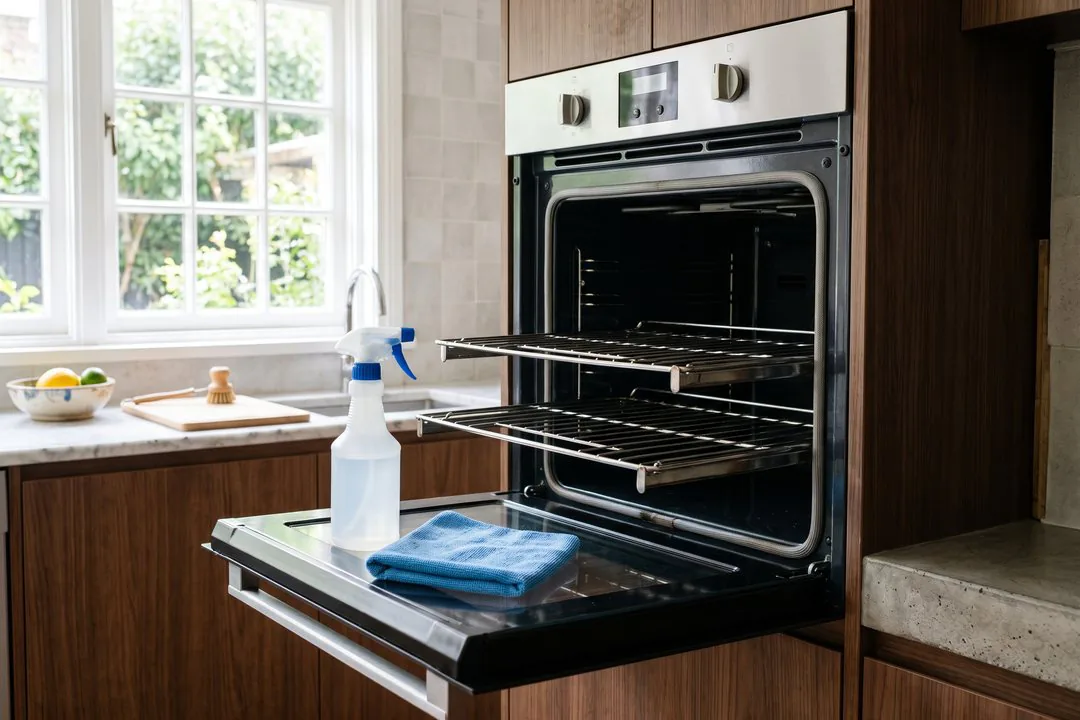
New request
Karen W. · Oven not done
By email, with 1 photo
- Re-cleanFriday, no charge
- GuaranteeInside 24 hours
Pest control
Re-services. Bugs back between treatments? The request is checked against the plan and the last treatment, and a covered re-service is booked within days. More on pest control

New request
Luis R. · Ants back in the kitchen
By email, with 1 photo
- PlanCovers a re-service
- Re-serviceThursday
Outdoor lighting
Service calls. Lights out? It’s logged with the customer’s photo and checked against the plan and the warranty; a visit is booked or the repair quoted. More on outdoor lighting
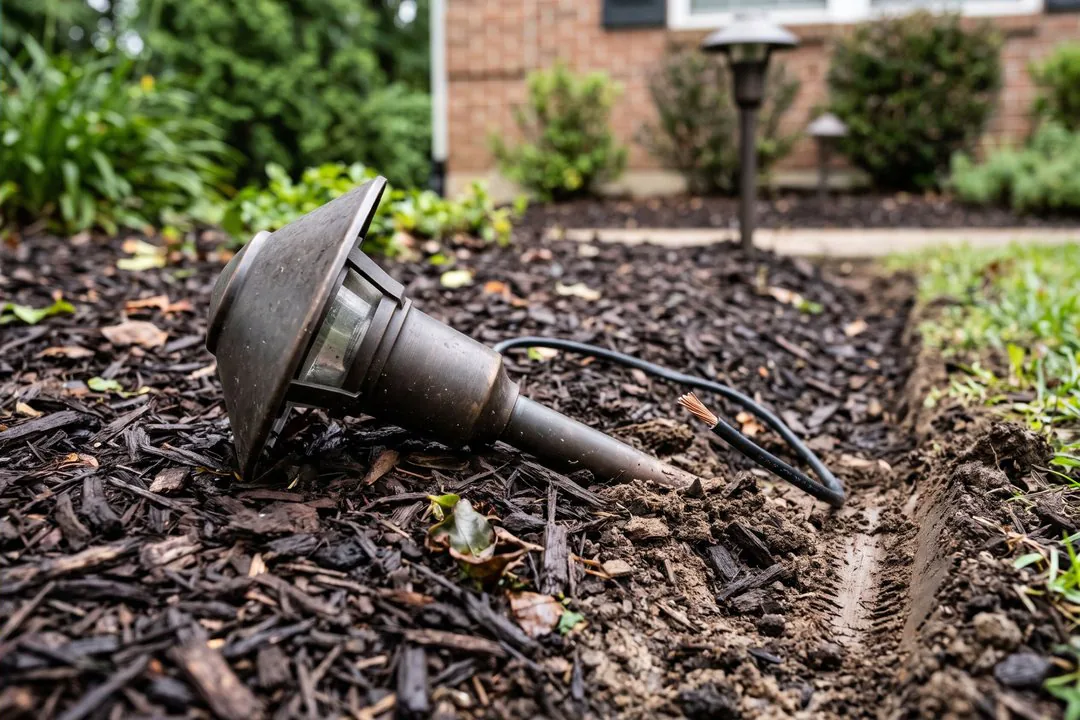
New request
Karen W. · Two path lights out
By text, with 1 photo
- PlanCovers it
- VisitFriday
HVAC and plumbing
Service calls. A customer emails about warm air. It’s logged with the photos, the model and the serial, so the tech arrives knowing the system. More on HVAC and plumbing
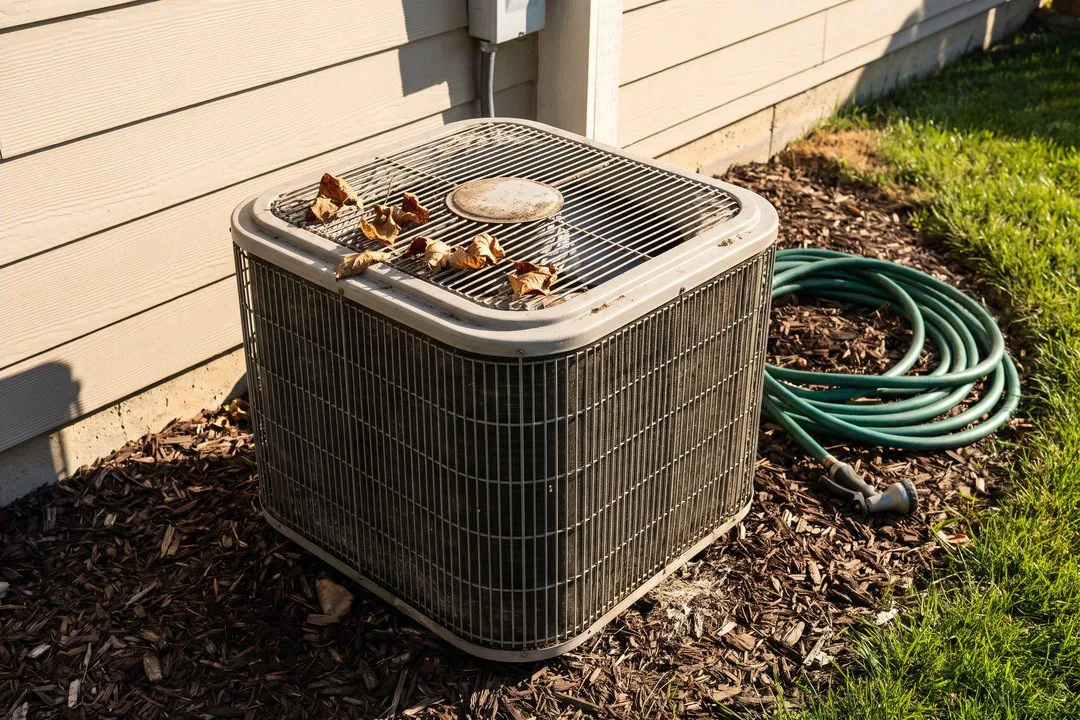
New request
Raj P. · AC blowing warm air
By email, with 2 photos
- Model and serialOn the job
- System age17 years
Start with this one, or add it to the others.
Book a demoOur process
Free onboarding in under a week. No new tools.
We set it up with each location’s team, on the software it already runs.
Onboarding is free, and you can pause or disconnect any time.
-
001
Consult
We learn how your office runs.
A call with you and your team: where requests come in, how you quote, book and bill, what takes the most time, and what your team asks you most.
-
002
Plan
You choose where we start.
We show you which jobs take your office the most time, and you pick the first one. You get a price before anything is set up.
-
003
Set up
We connect the tools you already use.
Your CRM or class software, your inbox, calendar and billing, and the tool you message customers from. Nothing to switch, and your team doesn’t learn a new tool: they text or call Carbon.
-
004
Test
We test it on your own jobs.
Every draft is checked with you until it’s right. Nothing goes out without your OK.
-
005
Scale
Then the next job, and the next location.
Once one runs, add the next. A new location starts with a back office that already works, and new hires learn by asking it.
Works with what you already run
 ServiceMinder
 monday.com
 Jackrabbit
- Slack
- Gmail
 Outlook
- Google Calendar
- Google Sheets
 Excel
- QuickBooks
- Stripe
- Calendly
 RingCentral
- 8,000+ more
FAQ
About requests and complaints.
Something else? Ask us on the demo.
Where do requests come from?
Wherever they come in today: your web forms, your inbox, voicemail and your techs’ notes.
Does it reply to customers on its own?
No. A reply is drafted with the ticket, and it waits for your OK.
What happens with a complaint?
It’s logged with its photos and checked against your guarantee. The fix, a re-clean, a re-service or a visit, is offered with a reply drafted, and you approve it.
Does it answer our phones?
No. Your team still answers the phone. A voicemail can be logged as a ticket, so nothing is lost.
Everything else Carbon does
Book a demo
Pick a time. We’ll show you how.
Bring the job that takes your office the most time. The demo is free.
Opens our calendar in a new tab