Back-office AI: billing and renewals
Invoices right. Renewals on time.
Each invoice is checked against the quote, the plan or the tuition, and failed payments and renewals are followed up. Nothing goes out without your OK.
What it does
Every finished job invoiced. Failed payments and renewals caught.
Checked before it goes
Each invoice matched to its quote, plan or tuition.
Failed payments
A declined card gets a follow-up the same day.
Renewals
Plans ending soon get a renewal that lists the year’s visits.
In your industry
The same job, shaped around your work.
Billing and renewals in 7 industries. Pick yours.
Pool service
Close-outs. The repair is done. The invoice is checked against the quote, and the customer gets a check-in the next day. More on pool service
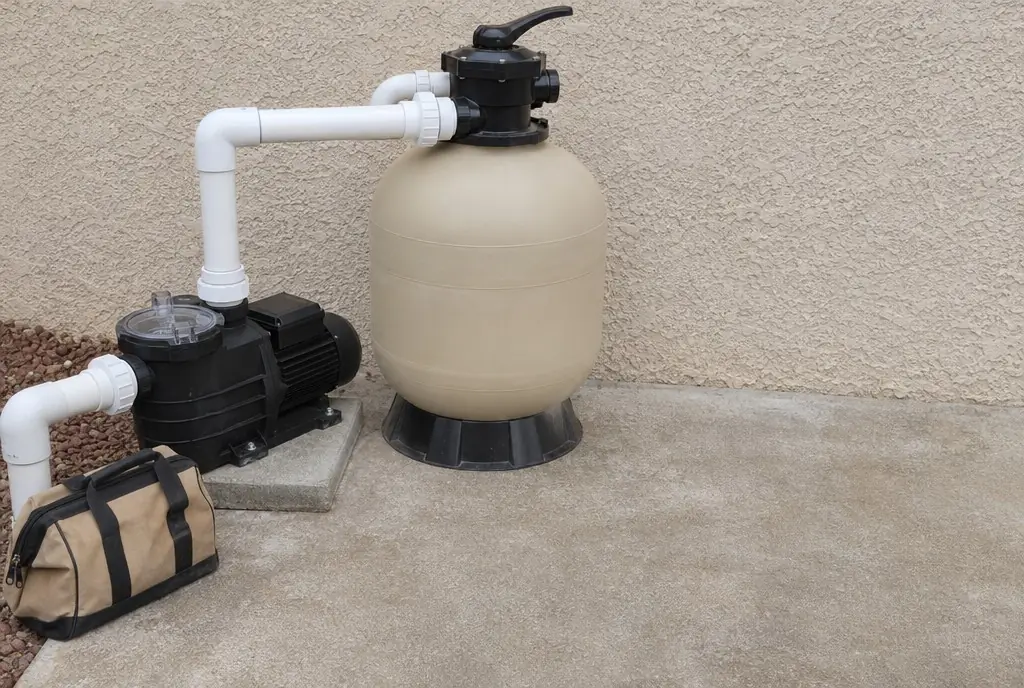
Close-out
Karen W. · Pump repair
- InvoiceMatches the quote
- Check-inTomorrow, 10 AM
Swim schools
Tuition. Before the 1st, the billing run is checked for make-ups, level changes and withdrawals. A declined card is followed up before your deadline. More on swim schools
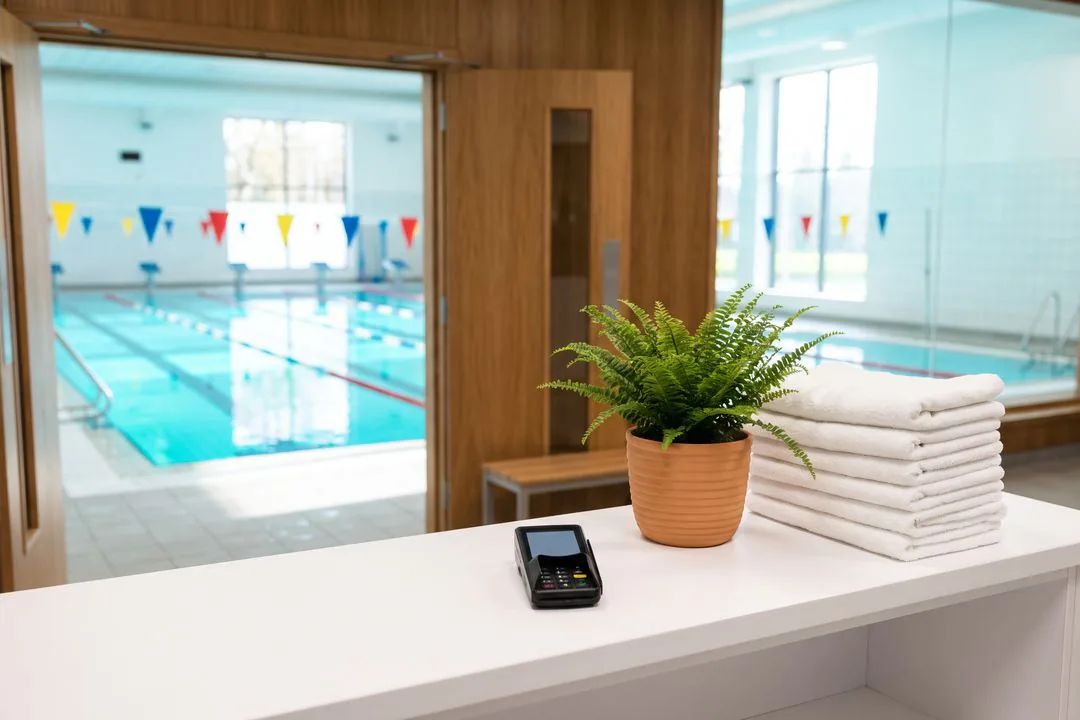
Billing
Raj P. · December tuition
- CardDeclined
- Update linkDrafted, before the 10th
Cleaning
Payments. The card is charged after each clean. A declined card is followed up the same day, and extras are added. More on cleaning

Billing
Karen W. · Thursday’s clean
- Inside the ovenAdded
- CardDeclined
- Update linkDrafted
Pest control
Billing. A failed autopay charge is followed up the same day, and a bill that confuses a customer gets a reply that explains it. More on pest control
Billing
Luis R. · Quarterly treatment
- AutopayFailed
- Update linkDrafted
Irrigation
Invoices. After each visit, the invoice is built from the tech’s notes, so every head, nozzle, valve and hour is billed. More on irrigation
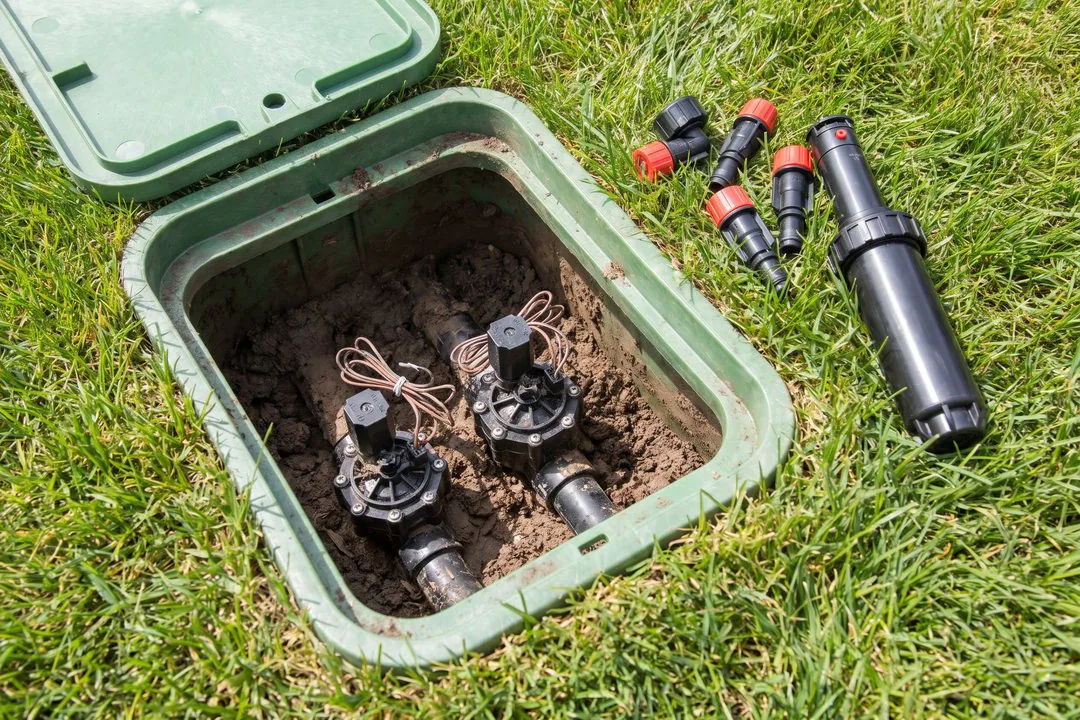
Close-out
Dana M. · Start-up and zone 3
- Tech’s notes1 rotor, 1 valve, 1.5 hours
- InvoiceMatches the notes
Outdoor lighting
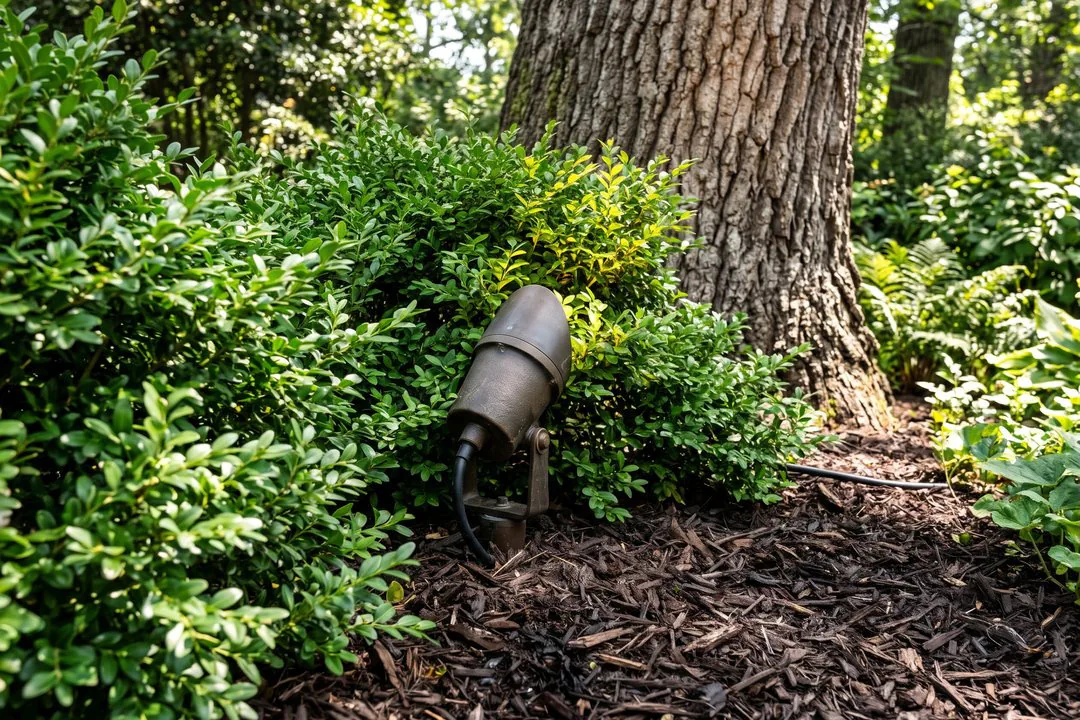
Annual checks. Each system’s check is offered before it’s due, with fixtures moved as the plants grow, and the plan renews with it. More on outdoor lighting
Renewal
Hi Karen, your lighting’s annual check is due next month. We’ll move the fixtures around the new shrubs. Does a Thursday work?
HVAC and plumbing
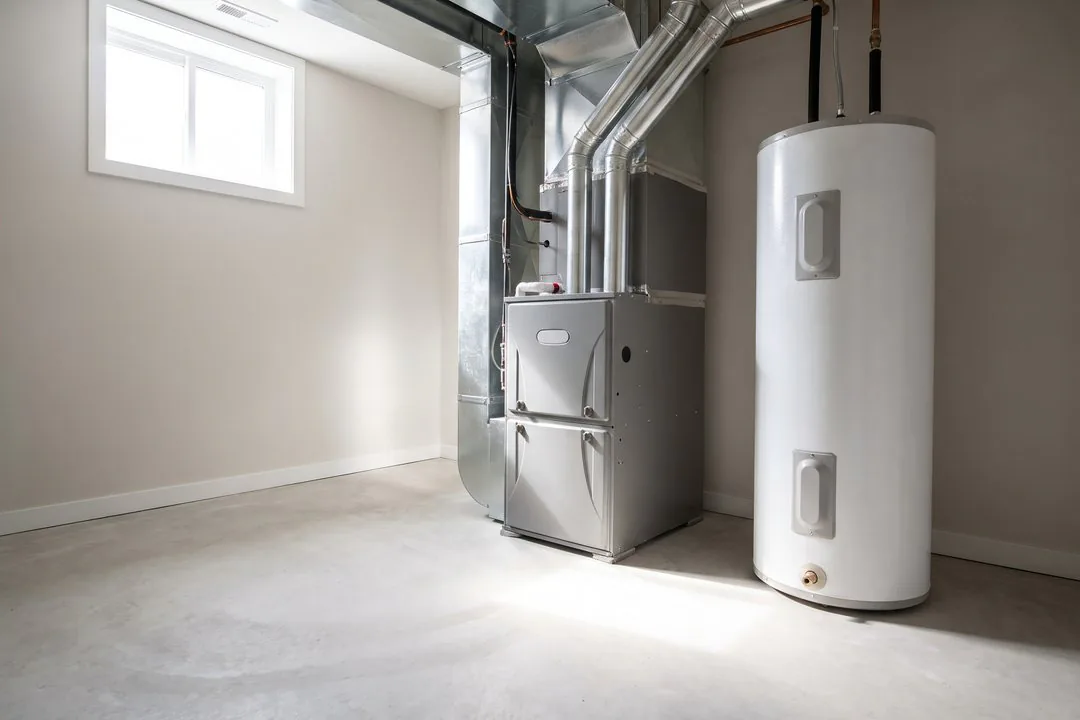
Maintenance plans. Members get their tune-ups offered each season, and plans up for renewal get a note listing the year’s visits. More on HVAC and plumbing
Renewal
Hi Raj, your spring tune-up is due. Does a Tuesday morning work?
Start with this one, or add it to the others.
Book a demoOur process
Free onboarding in under a week. No new tools.
We set it up with each location’s team, on the software it already runs.
Onboarding is free, and you can pause or disconnect any time.
-
001
Consult
We learn how your office runs.
A call with you and your team: where requests come in, how you quote, book and bill, what takes the most time, and what your team asks you most.
-
002
Plan
You choose where we start.
We show you which jobs take your office the most time, and you pick the first one. You get a price before anything is set up.
-
003
Set up
We connect the tools you already use.
Your CRM or class software, your inbox, calendar and billing, and the tool you message customers from. Nothing to switch, and your team doesn’t learn a new tool: they text or call Carbon.
-
004
Test
We test it on your own jobs.
Every draft is checked with you until it’s right. Nothing goes out without your OK.
-
005
Scale
Then the next job, and the next location.
Once one runs, add the next. A new location starts with a back office that already works, and new hires learn by asking it.
Works with what you already run
 ServiceMinder
 monday.com
 Jackrabbit
- Slack
- Gmail
 Outlook
- Google Calendar
- Google Sheets
 Excel
- QuickBooks
- Stripe
- Calendly
 RingCentral
- 8,000+ more
FAQ
About billing and renewals.
Something else? Ask us on the demo.
Does it charge cards?
No. Your payment system still charges. Carbon checks the invoices and follows up when a payment fails.
Does it work with our accounting?
It works with the accounting and billing you already use, QuickBooks included.
Will customers get billing messages without us seeing them?
No. Every message waits for your OK.
Everything else Carbon does
Book a demo
Pick a time. We’ll show you how.
Bring the job that takes your office the most time. The demo is free.
Opens our calendar in a new tab