Back-office AI: paperwork
Filed on time. Kept on the job.
Permits and inspections, warranty registrations and claims, backflow test reports, and your team’s certifications: filled in and filed before they’re due. Nothing goes out without your OK.
What it does
Permits, warranties, test reports and certifications, on time.
Filled in from the job
The address, the model, the serial and the results come from the job, not retyped.
Filed before it’s due
Each one is tracked against its own deadline: the registration window, the report’s due date, the inspection, a certificate’s renewal.
Kept on the job
The permit number, the registration and the report sit where your team looks, and go on the invoice.
In your industry
The same job, shaped around your work.
Paperwork in 2 industries. Pick yours.
Irrigation
Backflow tests. Each test is booked before the water utility’s due date, and the report is filed on time. A failed test gets a repair quote and a retest. More on irrigation
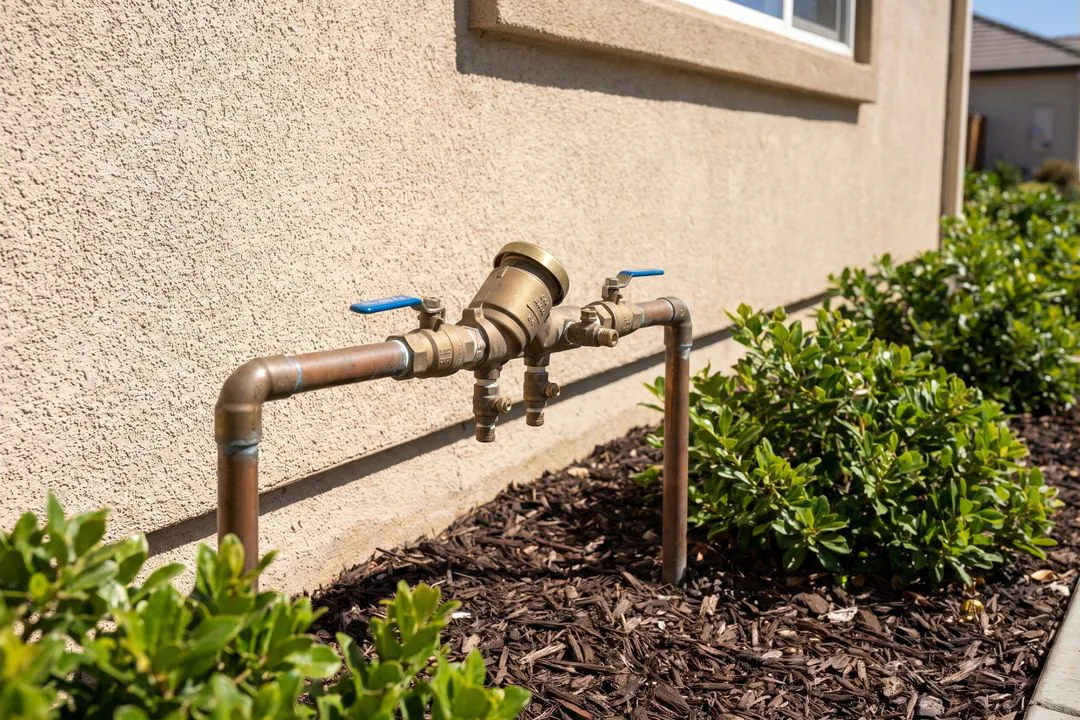
Backflow test
Dana M. · Yearly test
- DueJuly 1
- TestPassed, June 12
- ReportFiled with the utility
HVAC and plumbing
Installs and permits. Once the equipment is in, the install is booked, the permit pulled and the inspection booked with the homeowner. The permit number goes on the invoice. More on HVAC and plumbing
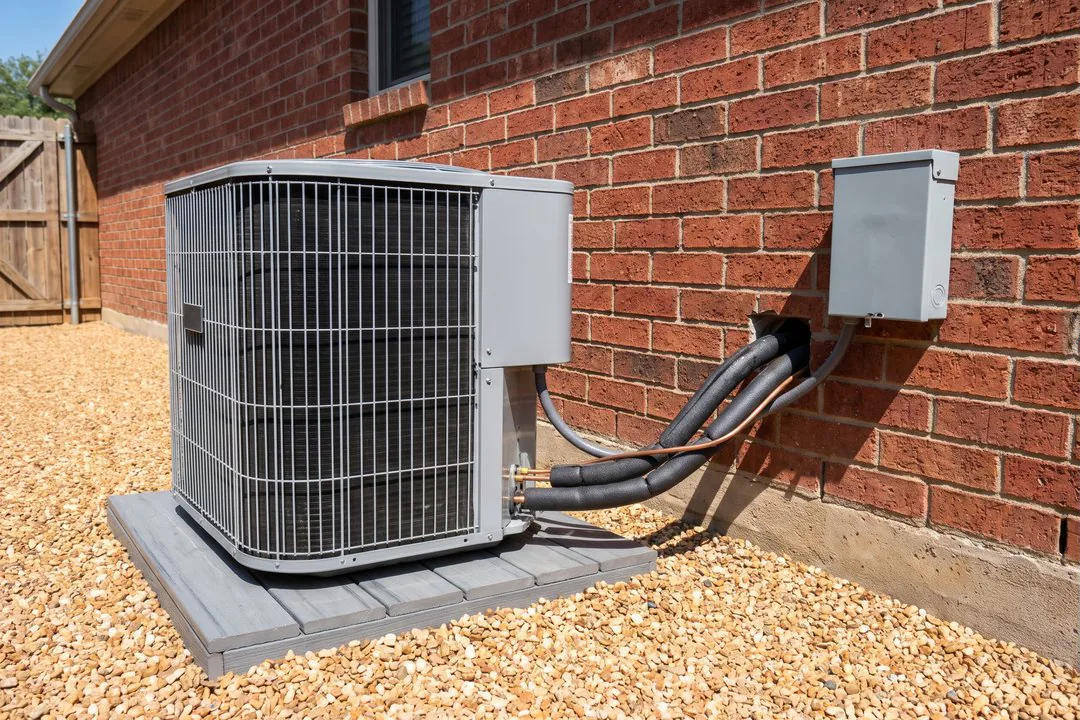
Permit
Raj P. · New AC install
- InstallTuesday, Oct 14
- PermitPulled
- InspectionBooked, Oct 16
Start with this one, or add it to the others.
Book a demoOur process
Free onboarding in under a week. No new tools.
We set it up with each location’s team, on the software it already runs.
Onboarding is free, and you can pause or disconnect any time.
-
001
Consult
We learn how your office runs.
A call with you and your team: where requests come in, how you quote, book and bill, what takes the most time, and what your team asks you most.
-
002
Plan
You choose where we start.
We show you which jobs take your office the most time, and you pick the first one. You get a price before anything is set up.
-
003
Set up
We connect the tools you already use.
Your CRM or class software, your inbox, calendar and billing, and the tool you message customers from. Nothing to switch, and your team doesn’t learn a new tool: they text or call Carbon.
-
004
Test
We test it on your own jobs.
Every draft is checked with you until it’s right. Nothing goes out without your OK.
-
005
Scale
Then the next job, and the next location.
Once one runs, add the next. A new location starts with a back office that already works, and new hires learn by asking it.
Works with what you already run
 ServiceMinder
 monday.com
 Jackrabbit
- Slack
- Gmail
 Outlook
- Google Calendar
- Google Sheets
 Excel
- QuickBooks
- Stripe
- Calendly
 RingCentral
- 8,000+ more
FAQ
About paperwork.
Something else? Ask us on the demo.
Which paperwork?
Permits and inspections for installs, manufacturer warranty registrations and part claims, backflow test reports, and your team’s certifications. We start with what your office files today.
Does it keep our team’s certifications current?
Yes. Each person’s certifications and licenses, like a swim instructor’s CPR or a pesticide applicator’s license, with what each renewal needs and a reminder before it runs out.
Does it file on its own?
No. Each one is filled in and waits for your OK before it’s sent.
Where does it go?
The way each office takes it: the city’s permit portal, the manufacturer’s site, the water utility’s email or upload.
Book a demo
Pick a time. We’ll show you how.
Bring the job that takes your office the most time. The demo is free.
Opens our calendar in a new tab